 Digital business cards
A digital business card for field sales reps
Functions of a field sales rep’s digital business card: share in meetings, bring back a form, trigger follow-ups and be managed across the whole team.
This blog is written for teams that sell in person: field reps, trade show teams and sales managers. Each article answers one question, with tested steps, comparison tables and app screens labelled as sample data.
Digital business cardsFunctions of a field sales rep’s digital business card: share in meetings, bring back a form, trigger follow-ups and be managed across the whole team.
 Digital business cards
Check the data a digital business card shares, who can see it, and how to stay GDPR compliant when you collect leads with a card or a QR code.
 Digital business cards
Paper vs digital business cards: costs, a method to work out ROI with your own numbers, pros and cons, and who should switch.
 Digital business cards
We compare the best digital business card apps on price, CRM sync, team features and GDPR, so you can pick the right one.
 Business card scanning
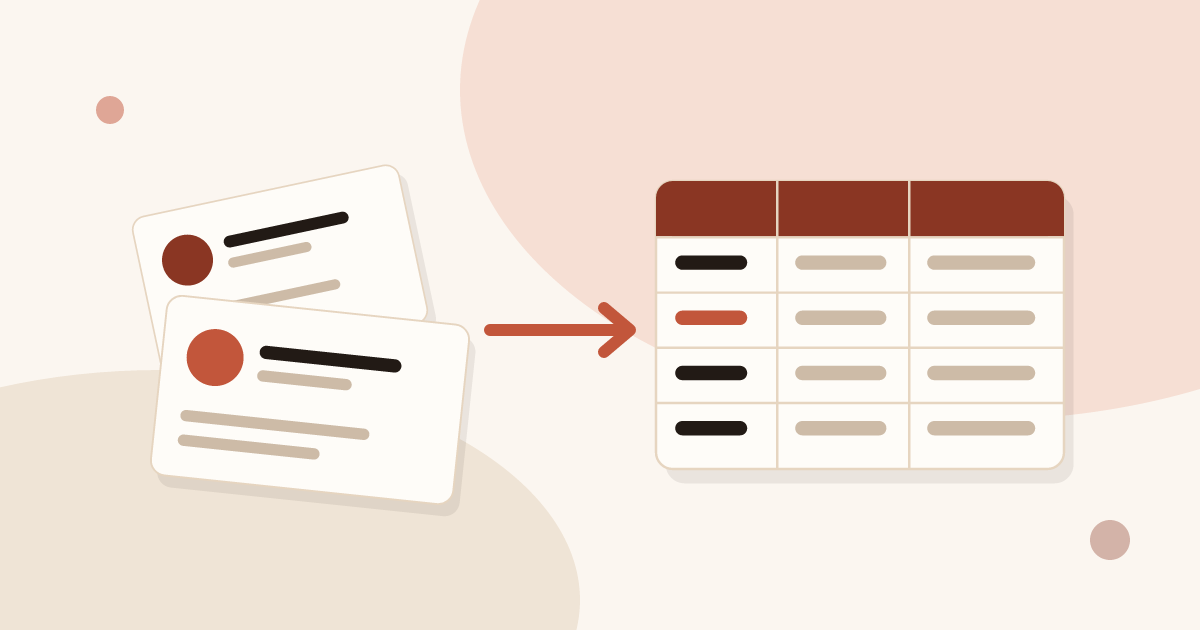
Scan business cards, export them as CSV and open the file in Excel without breaking accents. Recommended columns and duplicate removal included.
 Business card scanning
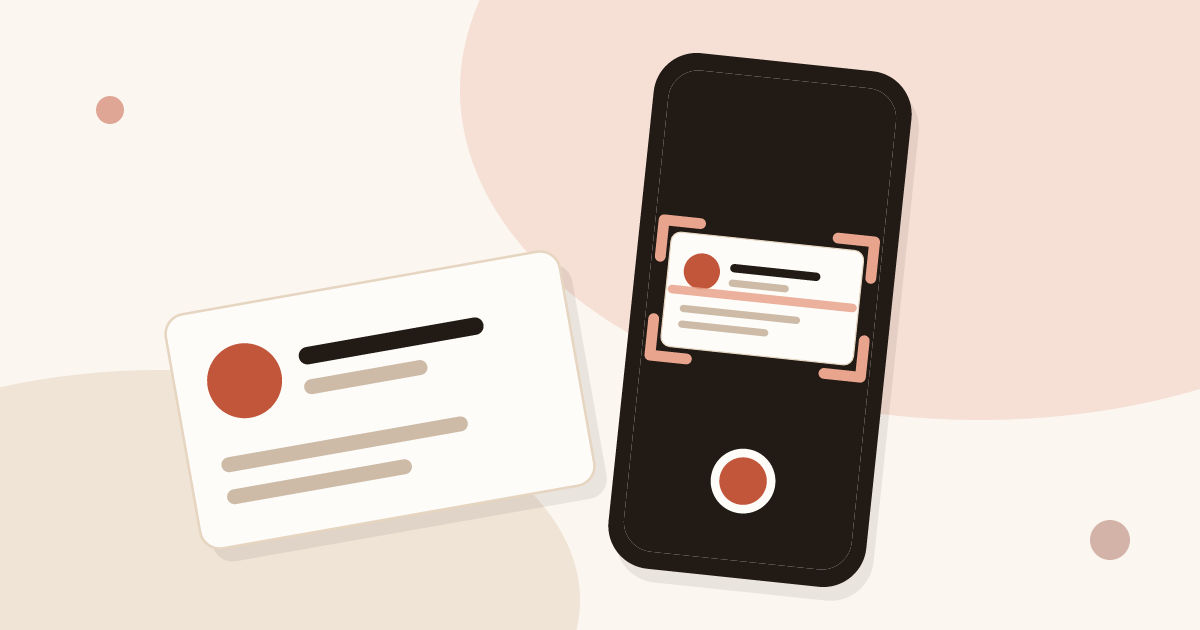
Phone camera, dedicated app or CRM-connected app: compare three ways to scan a business card with your phone, then follow the steps to do it.
 Trade shows and events
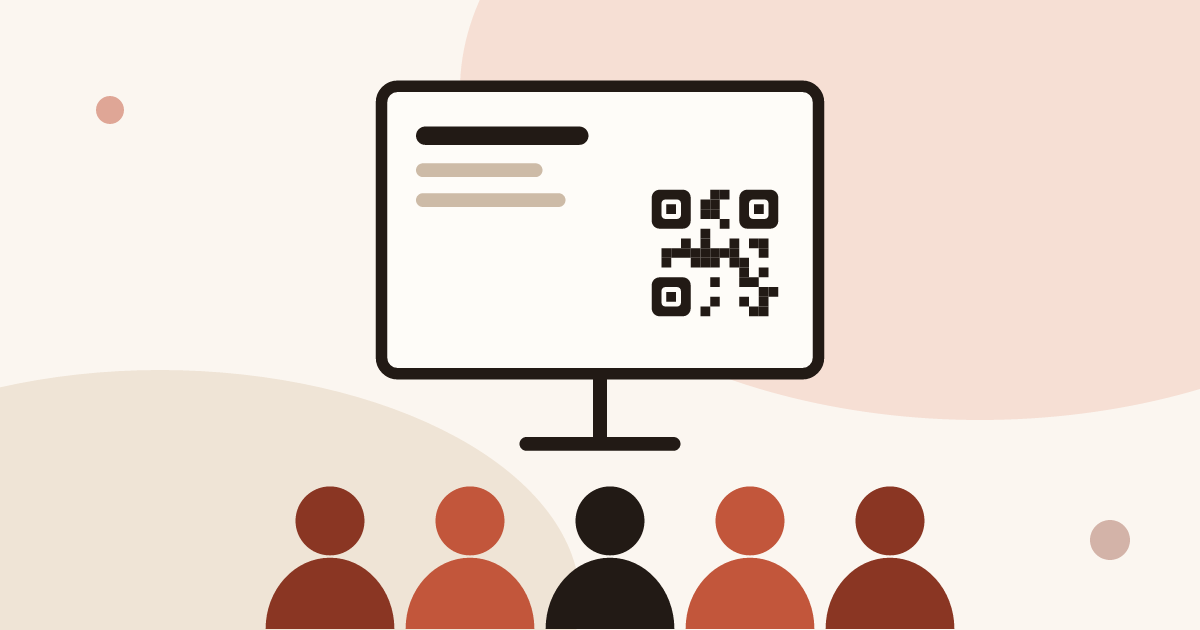
Speaker, attendee or sponsor: how to capture leads at a conference with no booth, using a QR code, a digital card and a follow-up within two days.
 Digital business cards
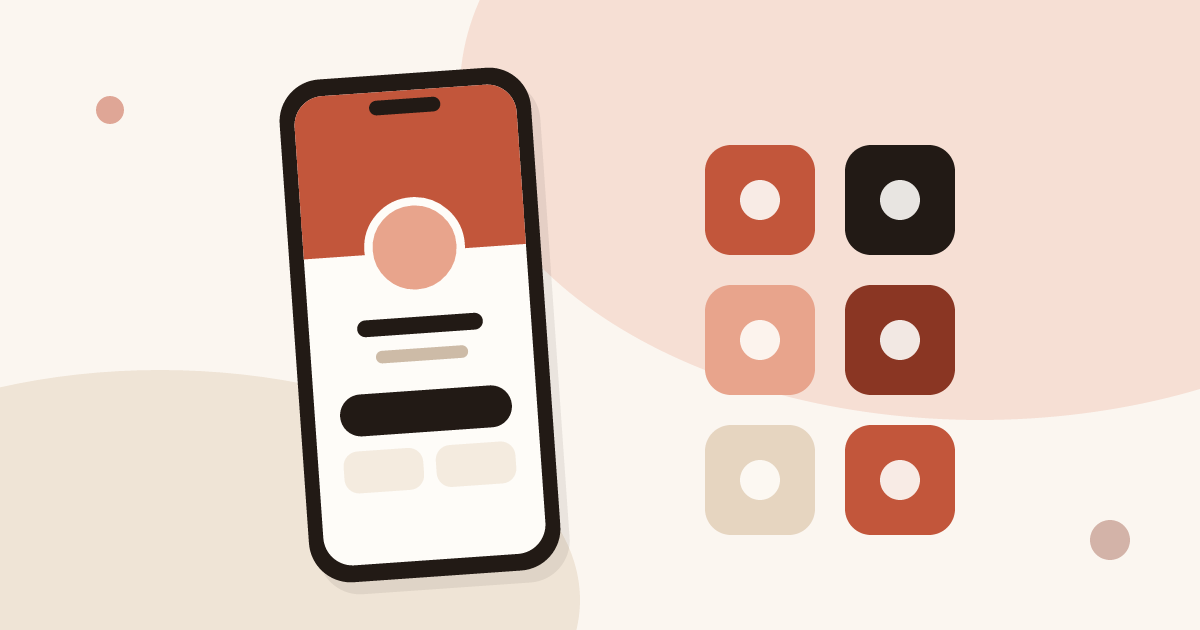
Which features a digital business card app must have, which are useful and which are gimmicks, with a table to check any offer against.
 Digital business cards
Roll out digital business cards to your whole team: one locked brand kit, roles, lead assignment and stats per card, from EUR 15 per seat.
 Trade shows and events
Use digital business cards and a stand QR code to capture, qualify and sync trade show leads to your CRM, with no badge reader to rent.
 QR codes and NFC
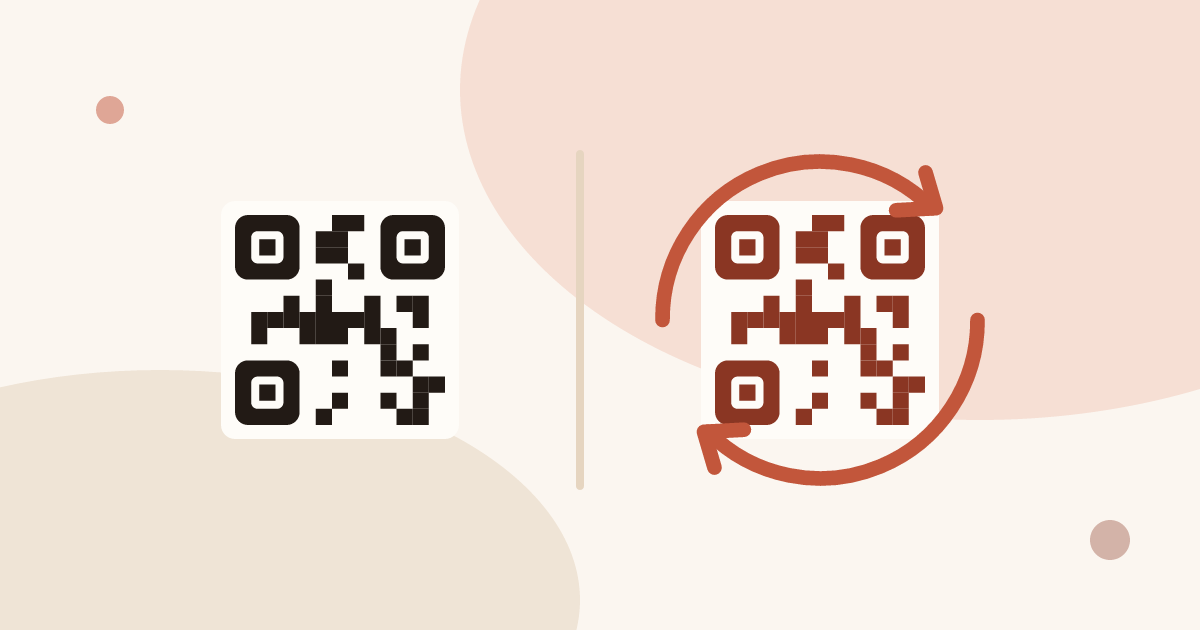
Generate a QR code for your business card for free, and learn why a dynamic QR code you can edit and track beats a static vCard code.
 Trade shows and events
Fifteen ways to capture leads at trade shows, before, during and after: effort, equipment and data for each, plus follow-up within 48 hours.
 Trade shows and events
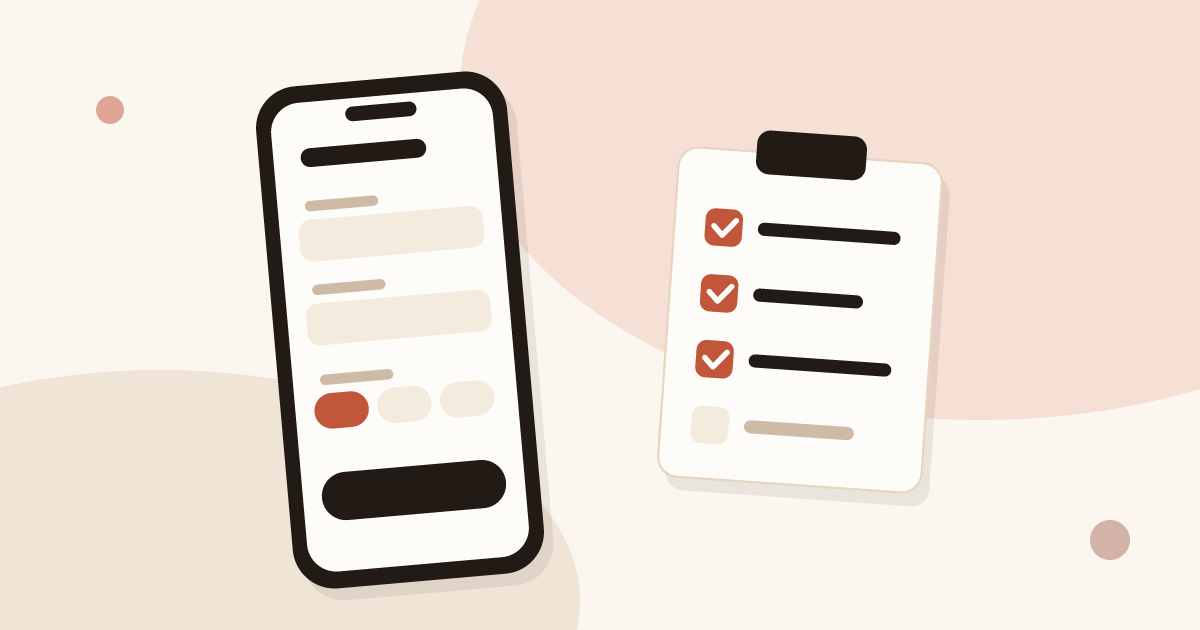
Ten criteria and a scorecard to compare event lead capture apps: offline mode, card scanning, qualification, CRM sync, GDPR. Points to test, no brand list.
 QR codes and NFC
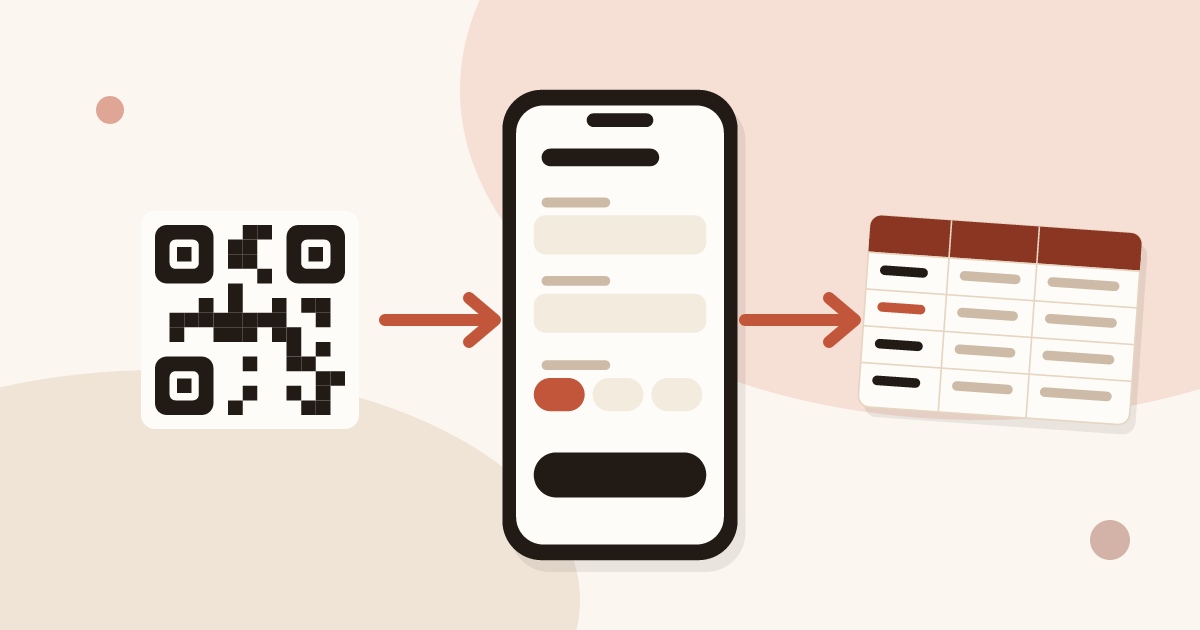
Turn your business card QR code into a two-way exchange: let people leave their details, record consent, and send the lead to your CRM.
 CRM and integrations
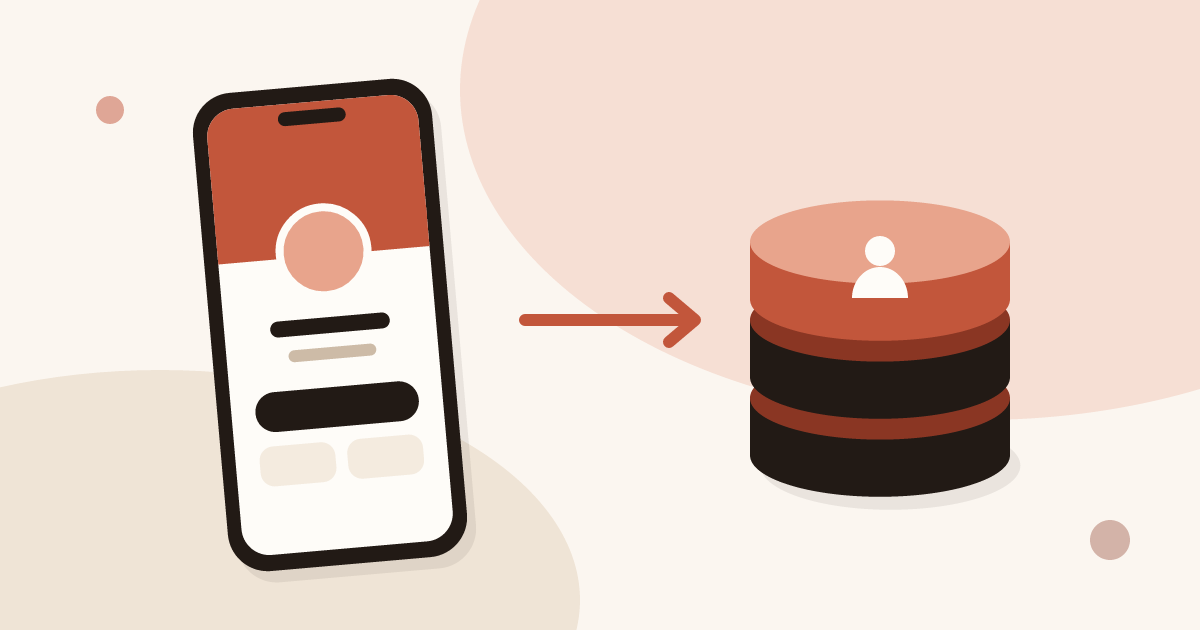
Send every contact from your digital business card to HubSpot, Odoo or another CRM through Zapier or Make, with the source, notes and consent attached.
 Create and share
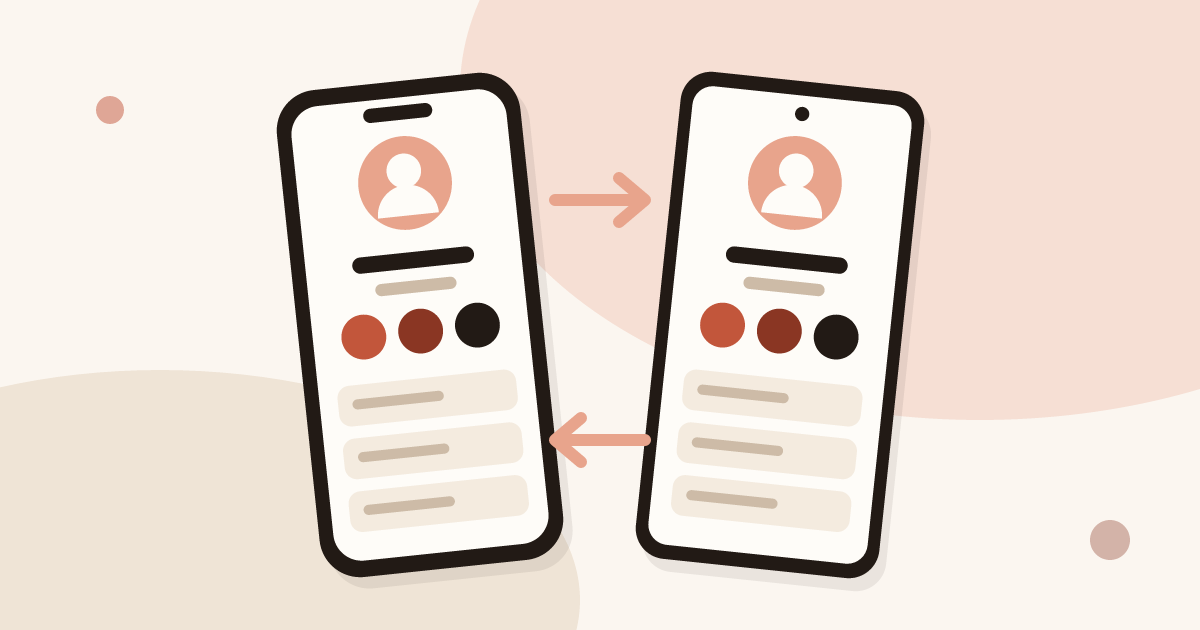
Set up your contact card on iPhone or Android, share it with NameDrop or a QR code, and know when a digital card works better.
 Create and share
Create a free digital business card in 5 steps: pick a layout, add your links, share it by QR code or NFC. No app needed for the people you meet.
 Create and share
Create a digital business card on Android with the Piktechs app or your browser, share it by QR code, link or NFC tag and keep the contacts you meet.
 Create and share
Create a digital business card in Safari on your iPhone, add it to the Home Screen and share it by QR code, link or NFC tag. No app needed.
 Create and share
Make a virtual business card you can share on Zoom, Teams, LinkedIn and email. Step-by-step guide with a free card and QR code tips.
 Create and share
Create an electronic business card for Outlook or Gmail, and compare it with a live card link in your signature that shows views and contact saves.
 QR codes and NFC
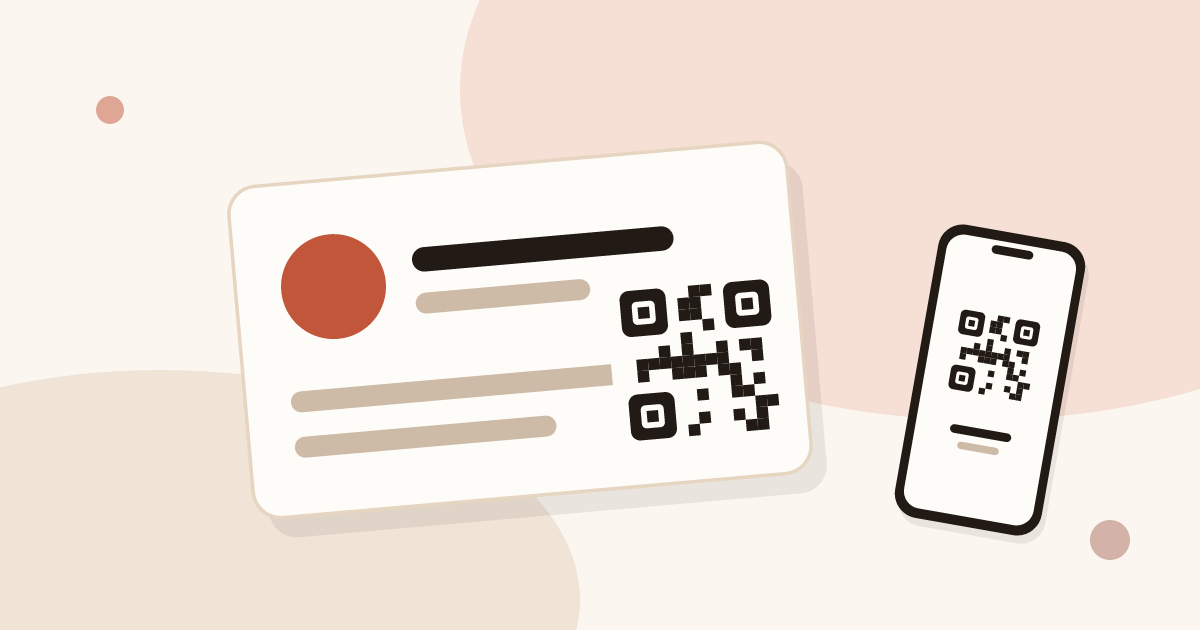
Add a QR code to your business card the right way: minimum size, placement, the link target, and why a dynamic QR code matters.
 Create and share
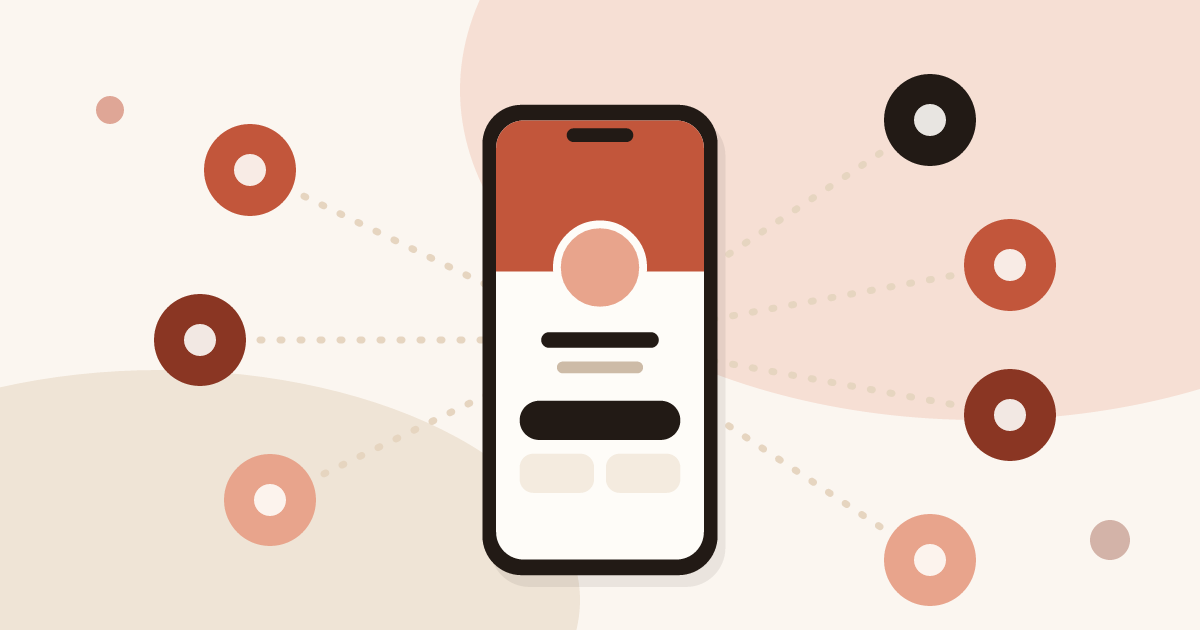
QR code, NFC tag, link, text, email, signature, QR code on a slide: 7 ways to share a digital business card and get details back.
 CRM and integrations
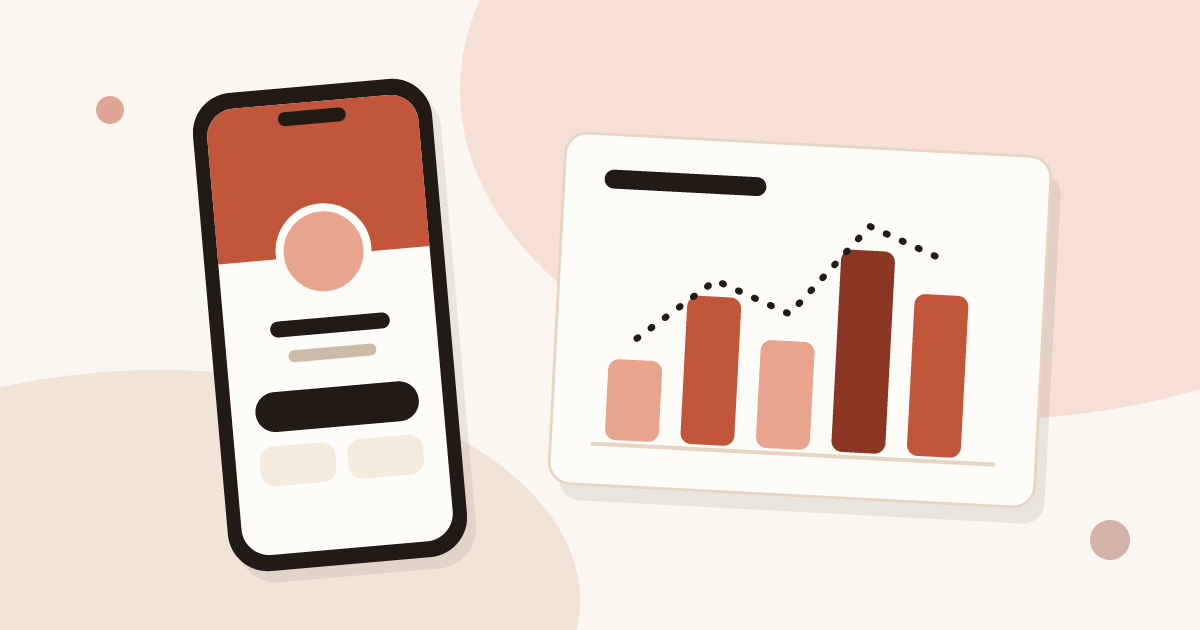
See how many people viewed and saved your digital business card, how many became leads, and why a view does not name the visitor.
 Create and share
Changed jobs, phone number or title? Update your digital business card in seconds: every QR code and link you have shared stays valid.
 Trade shows and events
Choose lead capture software: five families of tools compared, ten criteria as a checklist, and a trial on one event. No brands, only points to test.
 Trade shows and events
Lead retrieval is the contact-capture service an organiser sells to exhibitors. See how it works, how it is priced and which data it leaves out.
 Business card scanning
Scan business cards, export them as CSV and import them into Outlook on the web or on desktop, with the field mapping that makes the import work.
 QR codes and NFC
Make tap business cards with a plain NFC tag or sticker: write your digital card’s link on it and share your details with one tap.
 Trade shows and events
How a trade show badge scanner works, the visitor data it leaves out, and a checklist to decide whether to rent it, complete it or skip it.
 Trade shows and events
A trade show checklist by period: three months out, one month, the week before, each show day and after. Goals, team, lead capture and follow-up.
 Trade shows and events
Trade show follow up email method: when to write, how to sort leads, five templates, a short phone script and a three-week follow-up sequence.
 Digital business cards
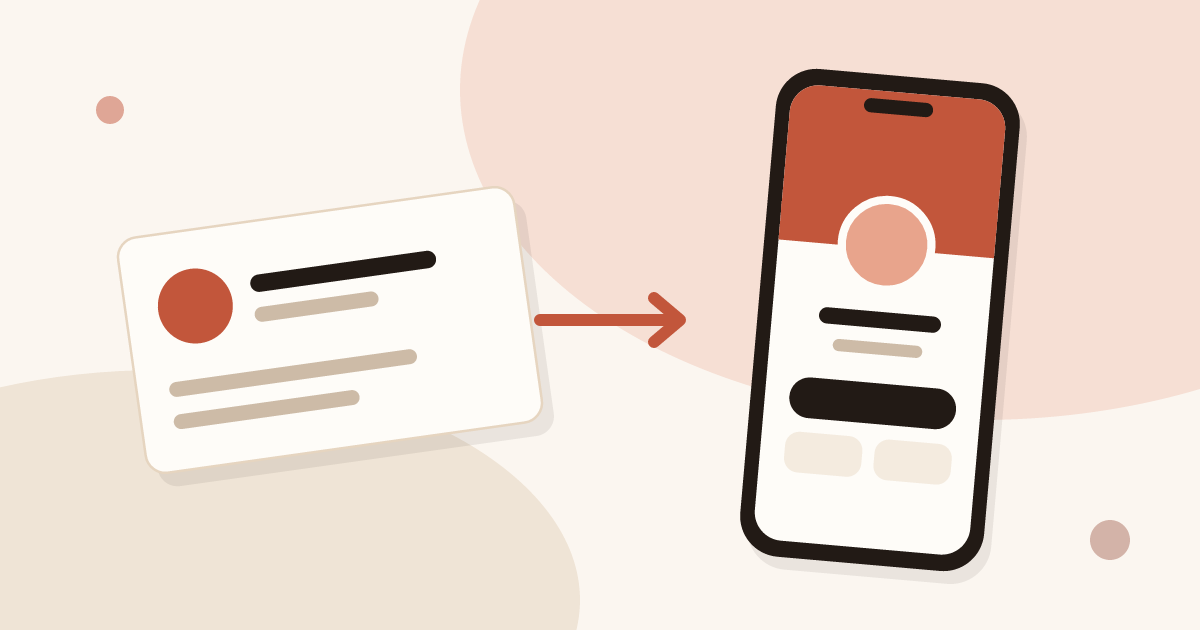
Definition of a digital business card, how it works and how it compares to paper. Plus how to create your own free card in minutes.
 Create and share
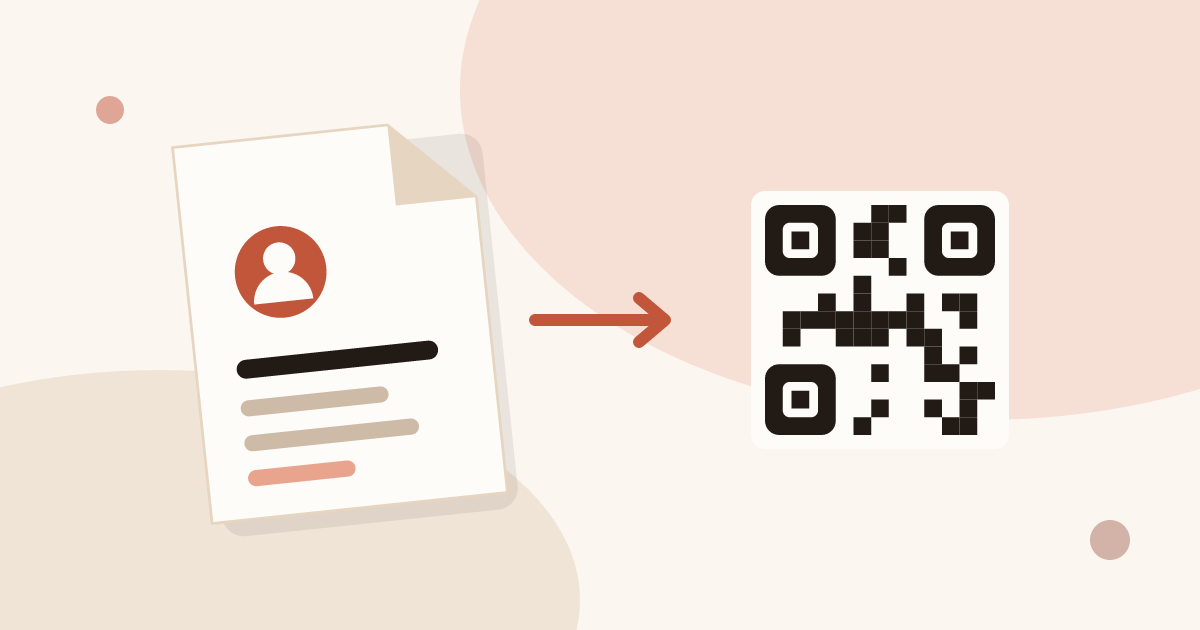
A vCard (.vcf) is a contact file. Learn how to create one by hand or with a generator, turn it into a QR code, and see where it falls short.