 Guide
How to Scan Business Cards Into Your Phone and CRM
Scan paper business cards with your phone camera, check the details, and send each contact to your CRM with notes and a follow-up reminder.
Capture, check, qualify, sync.
Photograph the paper card you were handed, or scan a Piktechs QR code. No hardware needed.
The Lead Scanner reads name, title, email and phone. You correct a field in one tap.
Set a priority, add tags, write or record a voice note, set a follow-up reminder.
HubSpot, Odoo, Zapier, Make or a CSV export.
Start your 14-day Pro trial and open the Lead Scanner on your phone. No hardware, no commitment.
Data hosted in the European Union. Your contacts stay in your workspace.
The Lead Scanner fills the record from the card. You proofread before saving, then add your notes.
Every scanned contact reaches your CRM with its priority, tags and notes.
Set a priority, add tags and a follow-up reminder. Or record a voice note to keep the context for the CRM.
GuideScan paper business cards with your phone camera, check the details, and send each contact to your CRM with notes and a follow-up reminder.
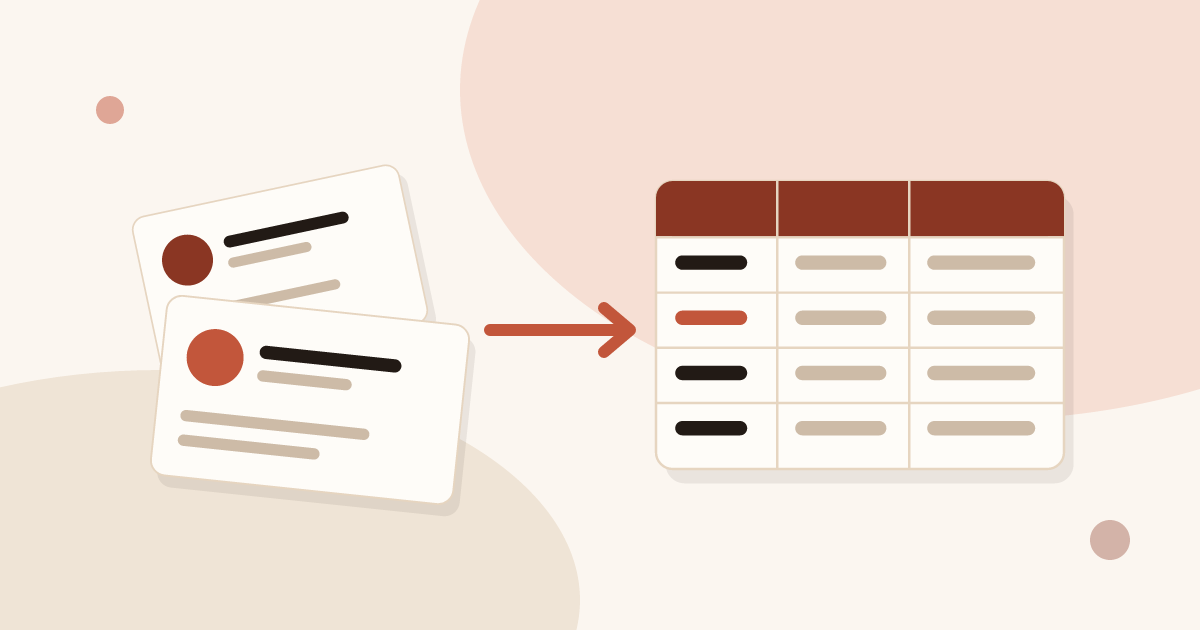 Article
Scan business cards, export them as CSV and open the file in Excel without breaking accents. Recommended columns and duplicate removal included.
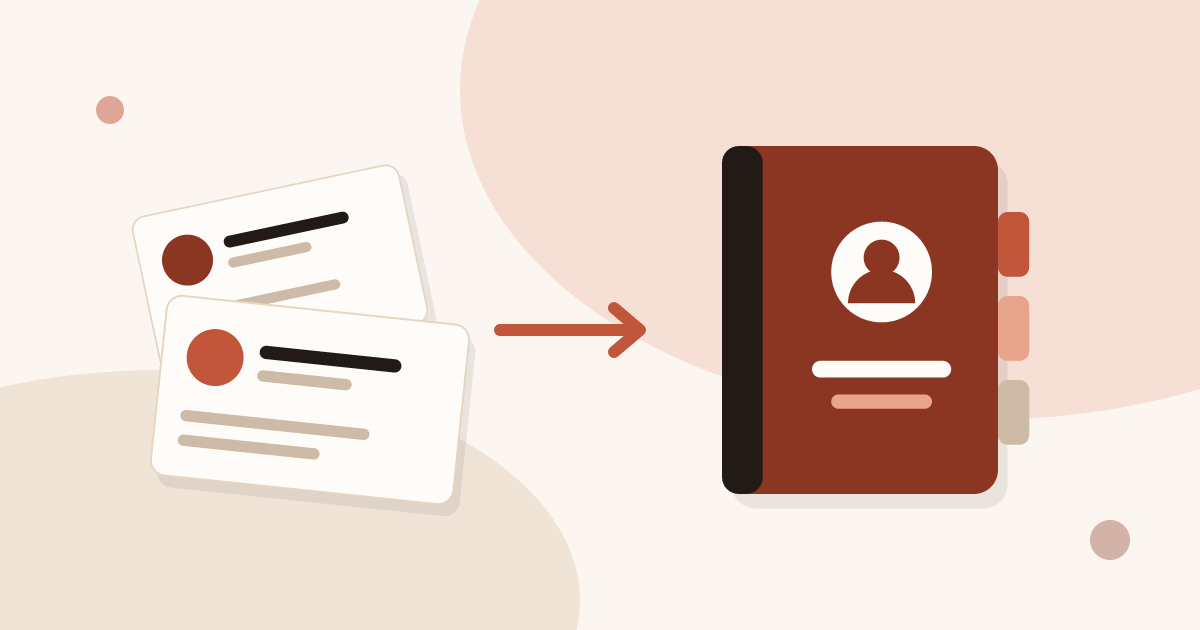 Article
Scan business cards, export them as CSV and import them into Outlook on the web or on desktop, with the field mapping that makes the import work.
Describe your team and your CRM. Piktechs replies within one business day.