 Article
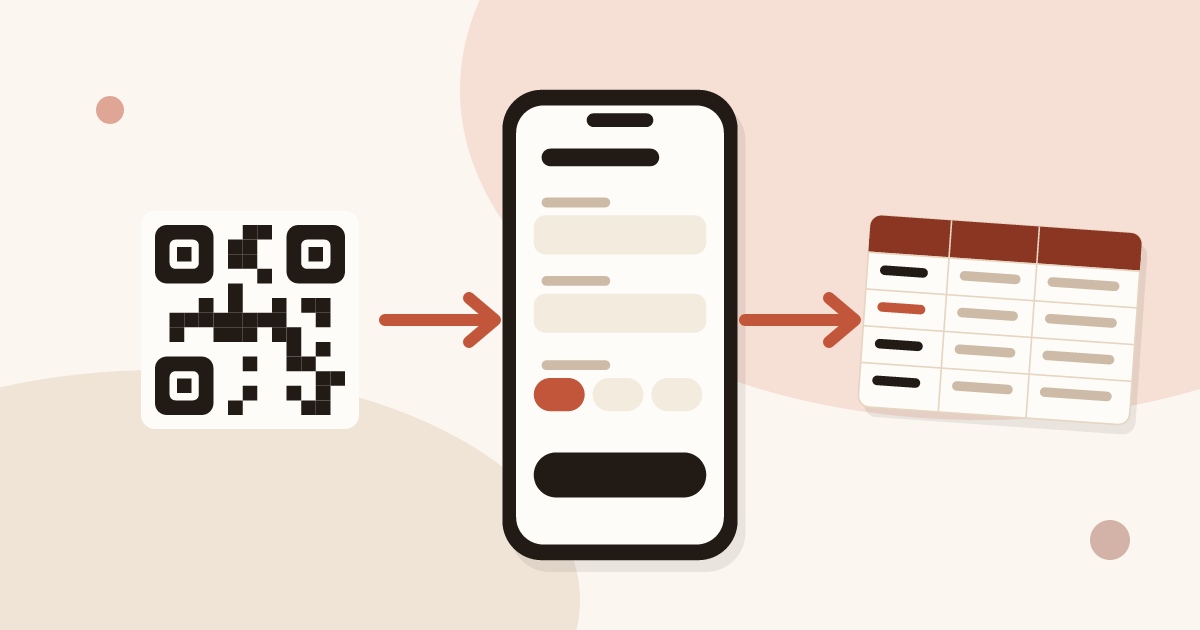
How to Collect Contact Info with a QR Code (and Stay GDPR Compliant)
Turn your business card QR code into a two-way exchange: let people leave their details, record consent, and send the lead to your CRM.
A QR code and an NFC tag do the same job: open your digital business card on the other person's phone, with nothing for them to install. The QR code is scanned with the camera and prints anywhere. The NFC tag opens with one move, a few centimetres away.
This category covers both. On the QR code side: the difference between a static and a dynamic code, the right size and placement on a paper card, the choice of link, and collecting contact details in line with GDPR. On the NFC side: how a tag works, which phones read it and how to program a sticker with your card's link. Piktechs does not sell a physical NFC card: sharing goes through the QR code, the link or an off-the-shelf tag. The product is presented on the digital business cards page.
ArticleTurn your business card QR code into a two-way exchange: let people leave their details, record consent, and send the lead to your CRM.
 Article
Make tap business cards with a plain NFC tag or sticker: write your digital card’s link on it and share your details with one tap.
 Article
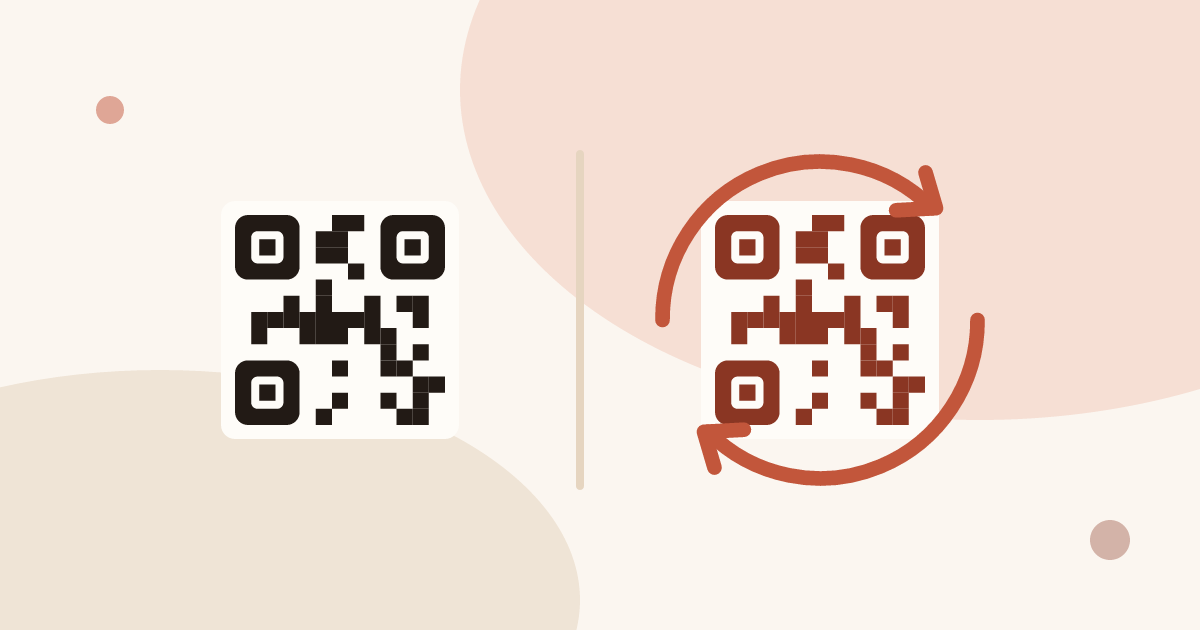
Generate a QR code for your business card for free, and learn why a dynamic QR code you can edit and track beats a static vCard code.
 Article
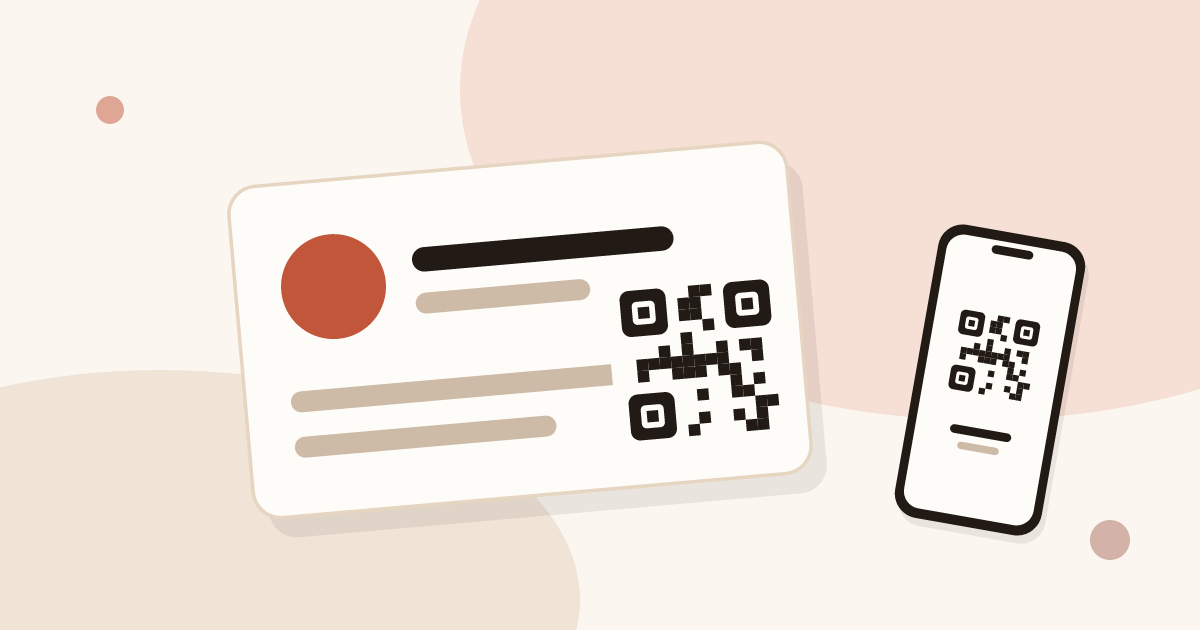
Add a QR code to your business card the right way: minimum size, placement, the link target, and why a dynamic QR code matters.