 Article
How to Create a Digital Business Card on Android
Create a digital business card on Android with the Piktechs app or your browser, share it by QR code, link or NFC tag and keep the contacts you meet.
Creating a digital business card takes a few minutes. Making it useful takes a little more: choosing the right details, checking how the contact saves on iPhone and Android, then putting the card where the people you meet will find it. This category gathers the step-by-step tutorials.
You will find card creation on a computer, on iPhone and on Android, the variants for remote work (video calls, email signature, LinkedIn), the vCard file and the phone's contact card, the different ways to share it and how to update it with no reprint. Each tutorial uses app screens labelled as sample data. The product is presented on the digital business cards page.
ArticleCreate a digital business card on Android with the Piktechs app or your browser, share it by QR code, link or NFC tag and keep the contacts you meet.
 Article
Create a digital business card in Safari on your iPhone, add it to the Home Screen and share it by QR code, link or NFC tag. No app needed.
 Article
Create an electronic business card for Outlook or Gmail, and compare it with a live card link in your signature that shows views and contact saves.
 Article
Make a virtual business card you can share on Zoom, Teams, LinkedIn and email. Step-by-step guide with a free card and QR code tips.
 Article
Create a free digital business card in 5 steps: pick a layout, add your links, share it by QR code or NFC. No app needed for the people you meet.
 Article
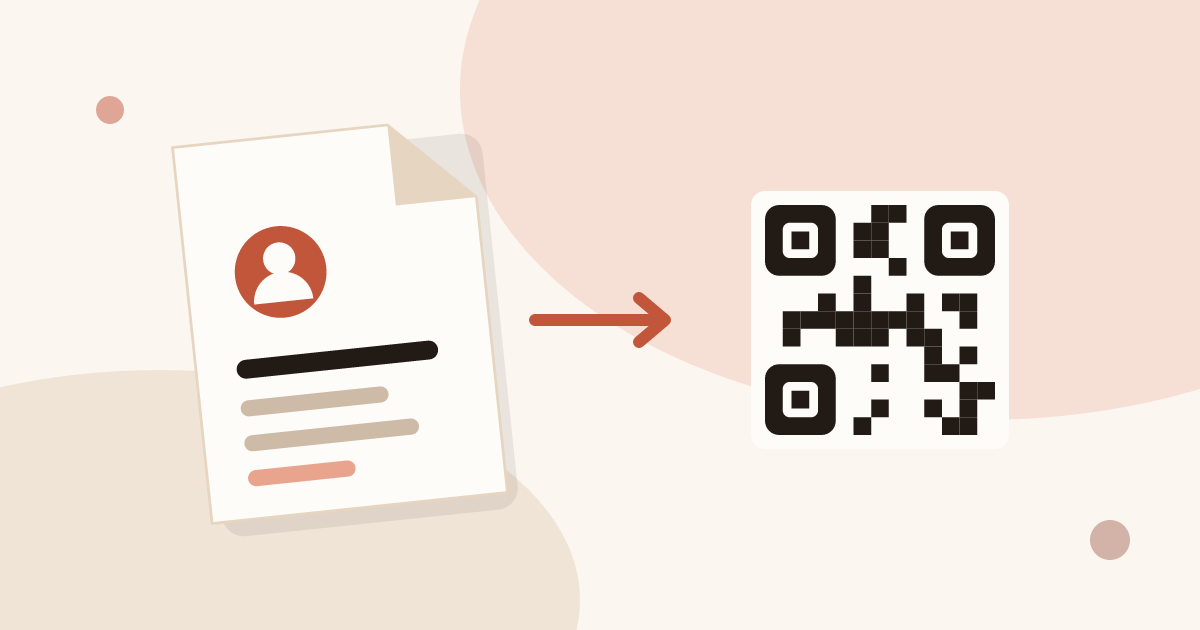
A vCard (.vcf) is a contact file. Learn how to create one by hand or with a generator, turn it into a QR code, and see where it falls short.
 Article
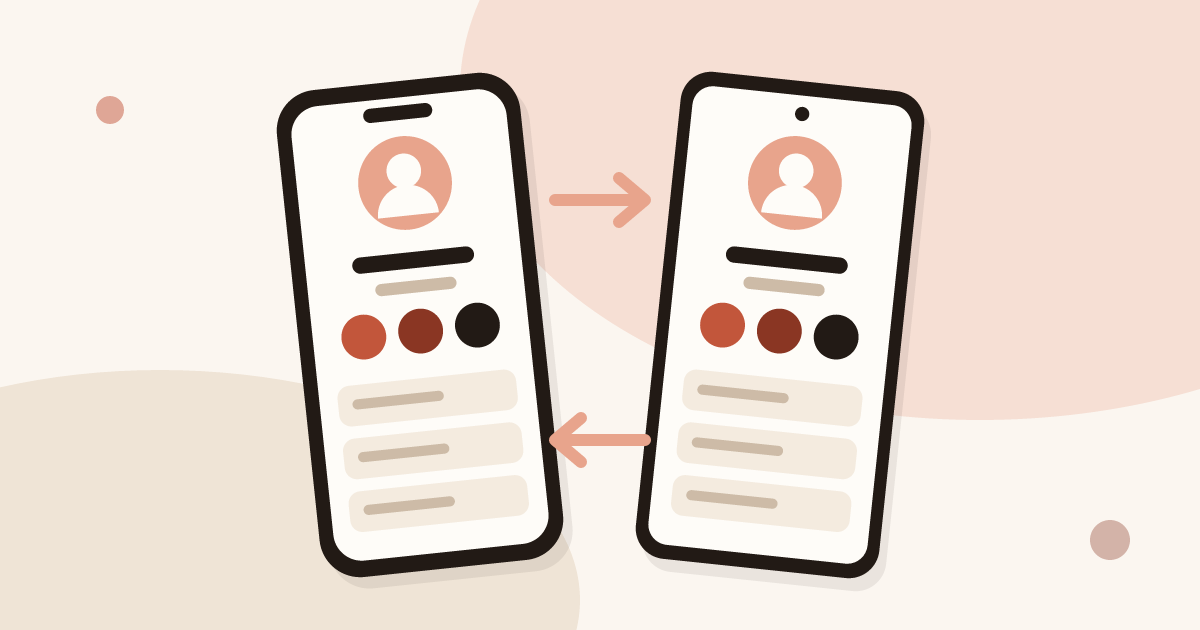
Set up your contact card on iPhone or Android, share it with NameDrop or a QR code, and know when a digital card works better.
 Article
Changed jobs, phone number or title? Update your digital business card in seconds: every QR code and link you have shared stays valid.
 Article
QR code, NFC tag, link, text, email, signature, QR code on a slide: 7 ways to share a digital business card and get details back.