 Article
How to Connect Your Digital Business Card to HubSpot and Your CRM
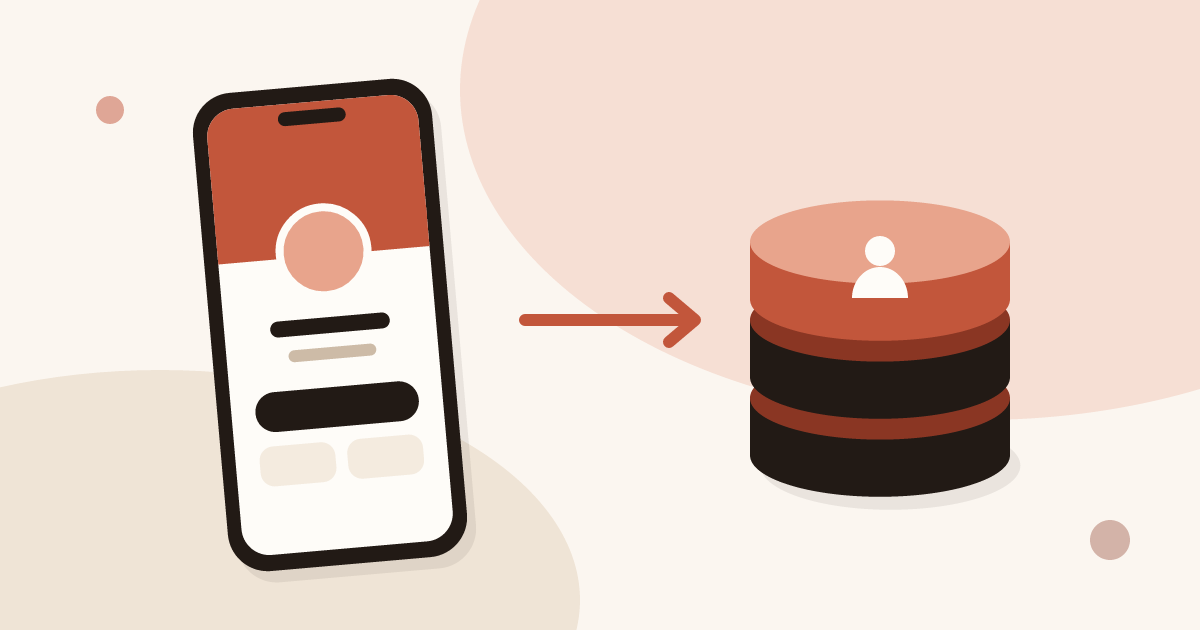
Send every contact from your digital business card to HubSpot, Odoo or another CRM through Zapier or Make, with the source, notes and consent attached.
A contact captured in the field is worth nothing if it stays in a phone. It has to reach the tool where the sales team works, with its source and the context of the meeting. This category deals with that last leg.
You will find how to set up the sync between a digital business card and a CRM such as HubSpot or Odoo, the Zapier or Make route for other tools, the CSV export, and how to read a card's statistics: views, saved contacts and new leads. Piktechs does not replace the CRM: it captures and qualifies contacts, then feeds the tool you already use. The flow is described on the lead qualification page.
ArticleSend every contact from your digital business card to HubSpot, Odoo or another CRM through Zapier or Make, with the source, notes and consent attached.
 Article
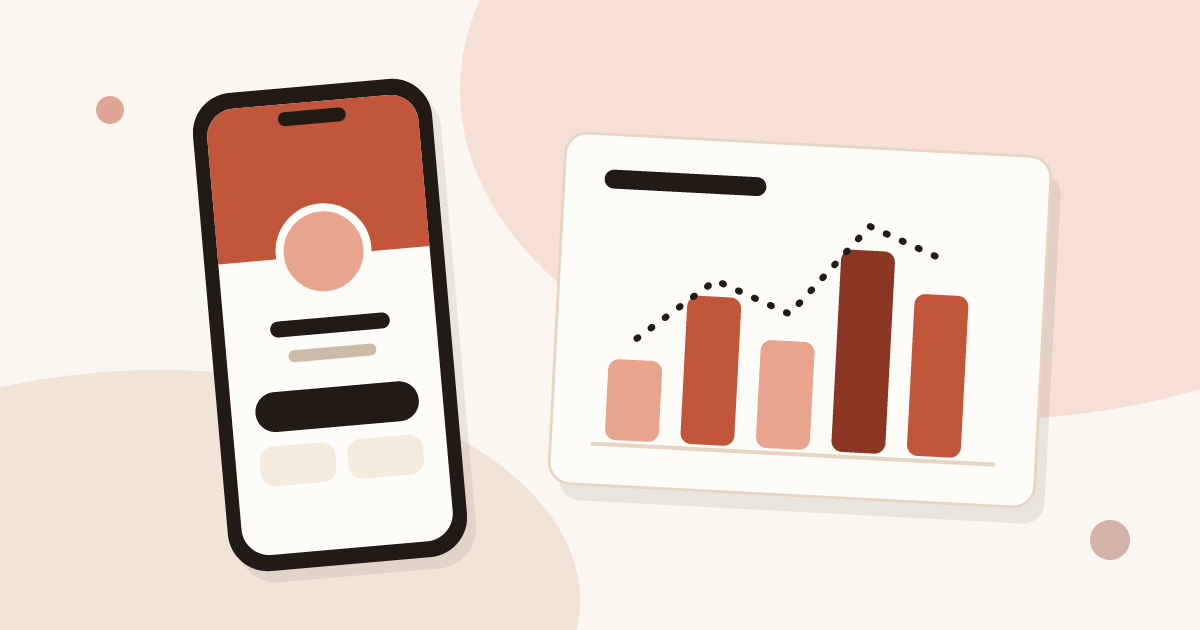
See how many people viewed and saved your digital business card, how many became leads, and why a view does not name the visitor.